The Focal Easy Guide to Adobe Encore DVD 2.0

Welcome to the chapter about what many consider to be the Black Magic of DVD authoring: transcoding. We re going to take a short tour of this seemingly mystical art and show you how to penetrate the fog of mystery quickly and easily using the tools that are available right within Adobe Encore DVD 2.0.
Transcoding is the process that Encore uses to turn non-DVD-compliant assets into assets that match the worldwide DVD standard. What that really means is that all the video, audio and graphics files that you want to become part of your DVD must be transformed into assets that can fit on a blank DVD and then be displayed on a TV by any DVD player in the world. Think about transcoding this way:
Transcoding shrinks huge video and audio files so that they can fit on a blank DVD.
Transcoding ensures that the shrunken files can be played back by any DVD player.
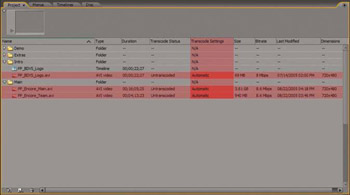
The mysterious part of transcoding is how to shrink the video and audio so that when the finished disc is played back, the quality of the picture and sound is good enough to make the audience go Oooh and Aaah instead of Ewww and Gross . The simplest solution to this mystery is to let Encore keep the Transcode Settings for each asset at Automatic. This is the default setting and it is applied to each asset upon import.
With the Automatic setting, Encore continually recalculates the total...