Introducing 3ds Max 2008

Let's put some of that hard-earned knowledge to work and map an object. You will be creating and texturing a pool ball. Although this may not seem the most exotic thing to texture, you can learn a lot about surfaces, shading, and mapping techniques by texturing it. You'll be able to flex your mapping muscles even more in exercises later in the chapter.
If you have skipped to this section from the beginning of the chapter, have a run through and get a good taste of texturing in 3ds Max. Feel free to look at the earlier parts of the chapter for some of the hows and whys of what you will accomplish in the next exercise. Otherwise, roll up your sleeves and follow along with these steps to texture a pool ball.

You can begin with your own project, or you can copy the Pool Ball project found on the companion CD to your hard drive. It contains a texture image file you'll need for this exercise.
In a new scene, create a sphere. The size doesn't matter here. How's that for fast modeling?
Open the Material Editor by pressing the keyboard shortcut M or clicking the Material Editor icon (
) in the main toolbar.
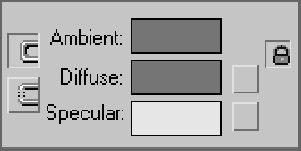
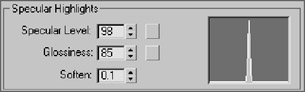
In the Material Editor, select one of the sample slots. Go to the Blinn Basic Parameters rollout.
The most logical thing to start with is the color. The base color of an object is defined...