Mastering Autodesk Architectural Desktop 2006
Your journey begins here! You'll start with a mini-history lesson to put Architectural Desktop (ADT) in context and then move on for a quick review of the AutoCAD skills that you'll need to work with ADT. You'll learn the character of working in ADT by taking a look at its basic features and learn how you might need to change your work style if coming from an AutoCAD background. Then you'll identify workspace components, tools, palettes, and catalogs. Later in this chapter you'll be introduced to architecture, engineering, and construction (AEC) options; templates; drawing setup; and user interface customization.
In the Beginning There Was AutoCAD
Basic ADT Features
The ADT Workspace
CAD/ADT Management
A little history is in order to place Architectural Desktop ADT in a wider context. Understanding the evolution of digital architectural tools will help you appreciate where computer-aided drafting (CAD) came from, what ADT can do today, and where architectural technology is heading in the future. You'll need to have some facility with AutoCAD before trying to learn ADT.
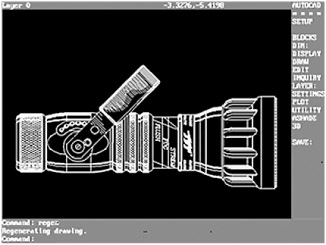
Autodesk released its first version of AutoCAD in the early 1980s. At that time, the focus was on making manual drafting more efficient by simulating geometric entities (such as lines, arcs, and circles). Digital tools initially mirrored the physical aspects of manual drafting. For example, layers simulated sheets of acetate that building systems were traditionally drawn on.

Design changes...