Apple Aperture 2: A Workflow Guide for Digital Photographers
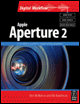
Including clear explanations and step-by-step guidance, this book shows you the best way to import, organize and enhance your images for ease of management and high quality results.
 TABLE OF CONTENTS
Very few images require the array of adjustments and creative tools available in an image editing application like Photoshop. Some imagesarefinejustthe way they are and require little or no adjustment beyond what the Raw decoder produces from the data as they were shot. The vast majority require only minor tweaks, maybe small White Balance and Levels adjustments and sharpening. A few, with exposure problems or color casts, may require more intensive care.
Aperture provides all the tools you need to carry out these everyday darkroom tasks as well as features that allow you to produce more creative results. All of Aperture's Adjustment tools can be found on the Adjustments Inspector or Head Up Display (HUD). This chapter provides an explanation of how each of them works and shows howyou can use them to fix commonly occurring problems and to produce black and white (B&W) and tinted monochrome versions.
Everything needed for analyzing and editing images can be found on the Adjustments Inspector. With a few exceptions, such as the Red Eye, Retouch, Spot and Patch tools and Aperture 2's new edit plug-ins, these adjustments are global - they affect the entire image. Aperture doesn't have selection tools, masks, adjustment layers or any other method for selectively applying these changes.
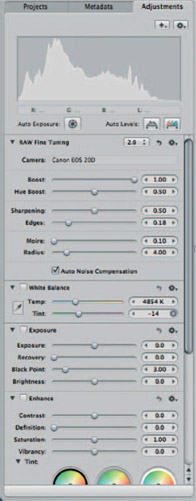
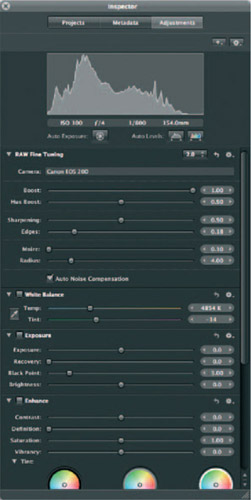
Each section in the Adjustments Inspector is called a brick . The Inspector is organized so that the most frequently used bricks-Raw Fine Tuning, White Balance and Exposure, appear...