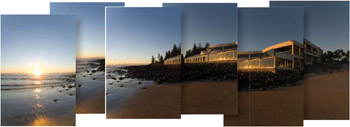
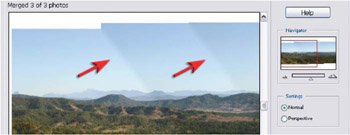
Explore the greatly improved Photomerge feature in Photoshop Elements 6. Photomerge is now capable of aligning and blending images without any signs of banding in smooth areas of transition. The feature first made its appearance with Photoshop CS3 but the maths have got even better with the release of Photoshop Elements 6 and the stitching is so clever it will really have you amazed at the quality that can be achieved.
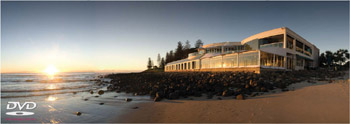 Sport the joins upgrade from 10 to 30 megapixels with seamless stitching
 The quality will be even better if you capture the component images with a 50% overlap, use manual exposure, focus and white balance setting (or processed the images identically in Camera Raw). The results are now truly seamless an excellent way of widening your horizons or turning your humble compact camera into a 30 megapixel blockbuster.
The Photomerge feature in previous versions of Photoshop Elements and the full version of Photoshop left a lot to be desired. All of the flaws and weakenesses of this feature are now gone with the release of Photoshop Elements 6.
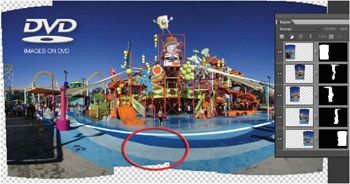
Now the only limitation you may run up against is Photoshop s ability to align and blend strong geometric lines that come close to the camera lens. If the camera is hand-held to capture the component images (you have not used a specialized tripod head designed for professional panoramic stitching work) then the problem of aligning both foreground and distant subject matter is a big problem for any software (Photoshop handles it better than...
Copyright Mark Galer 2008 under license agreement with Books24x7


 TABLE OF CONTENTS