Chapter List
- Project 1: Depth of Field
- Project 2: Shafts of Light
- Project 3: Black and White
- Project 4: Toning
- Project 5: Character Portrait
- Project 6: Glamor Portrait
- Project 7: Motion Blur
- Project 8: Low Key
- Project 9: Channels
The Gaussian Blur filter can be used creatively to blur distracting backgrounds. Most digital cameras achieve greater depth of field (more in focus) at the same aperture when compared to their 35 mm film cousins, due to their comparatively small sensor size. This is great in some instances but introduces unwelcome detail and distractions when the attention needs to be firmly fixed on the subject.
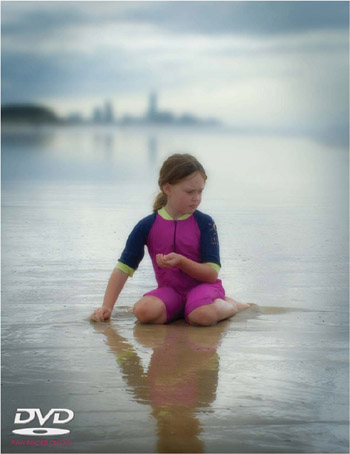 Decrease the depth of field to emphasize your subject
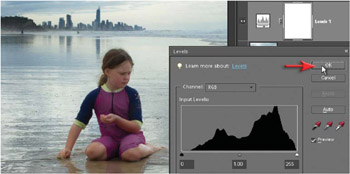
 There is often a lot to think about during the capture of an image, and the time required to consider the appropriate aperture and shutter speed combination for the desired visual outcome often gets the elbow. Photoshop Elements can, however, come to the rescue and drop a distracting background into a murky sea of out-of-focus oblivion. Problems arise when the resulting image, all too often, looks manipulated rather than realistic. A straight application of the Gaussian Blur filter will have a tendency to bleed strong tonal differences and saturated colors into the background fog, making the background in the image look more like a watercolor painting than a photograph. The Gaussian Blur filter will usually require some additional work if the post-production technique is not to become too obvious.
1. Not all subjects lend themselves to...
Copyright Mark Galer 2008 under license agreement with Books24x7


 TABLE OF CONTENTS