Instant DVD Workshop 2.0

Featuring carefully detailed screenshots and step-by-step instructions, this Instant guide will show you how to create DVDs with Ulead software in a concise, time-efficient way.
 TABLE OF CONTENTS
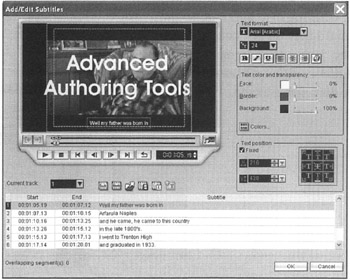
 Subtitles and multiple audio tracks are two of the new, advanced features of DVD Workshop 2.0. Both of these features are accessed from the Edit screen. Subtitles allow for text translations or assistance for hearing-impaired persons to be seen and for audio features such as foreign languages or directors' commentaries to be heard along with the original video.
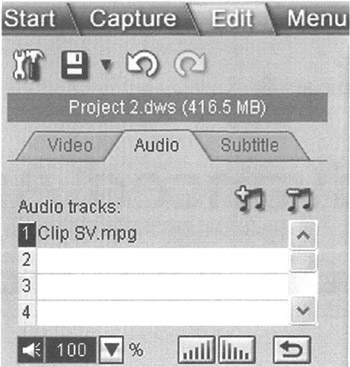
Every title in the title list may have as many as eight audio tracks associated with it. In order to make your production as user friendly as possible, place the most-important audio file in Track 1 and the less-important ones on the higher numbered tracks.
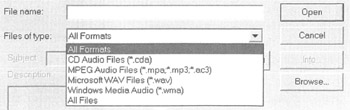
Although DVD Workshop will accept a wide variety of audio formats, remember to try and match your audio file format with the disc template so that your audio files do not need to be re-encoded. Using AC-3 formats for output of non-compliant files will greatly reduce disk space usage.
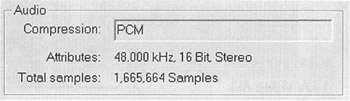
The audio properties of a video clip may be viewed by right-clicking the clip's thumbnail and selecting "Properties." If possible, try to use WAV files since they are uncompressed. Also remember to use 48kHz sampled audio files so that a sampling rate conversion isn't necessary.
Select the location where you would like to add a new track by clicking the appropriate track number in the track list. If the track already contains an audio file, the new audio file will be added...