Cooling and Heating Load Calculation Principles

HBCalcIP.exe is an interface to the calculation engine that was developed to allow relatively easy trials of the new heat balance procedure and the new radiant time series (RTS) procedure. It provides a subset of the possible input to the FORTRAN program (HBFORT) that performs the procedures. The interface consists of a series of data input/output forms that transfer the data and call the FORTRAN program. The forms are explained in the following paragraphs.
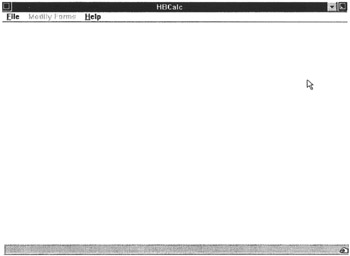
When HBCalc.exe starts, the screen shown in Figure A1a appears. The menu line has two items darkened. The first step is to open an existing input file using the file menu.
When an input file has been read into the interface, the Modify Forms menu item will darken, and if it is selected, the image as shown in Figure A2 will appear. Each of the lines in the window represents an interface form. As the forms are accessed, a check mark appears next to the name in the window. Each of the forms will be discussed in the sections that follow.
The Outside Conditions Form is shown in Figure A3. This form allows the specification of the outside dry-bulb and wet-bulb temperatures, the ground temperature, and the special outside boundary condition for each of the 24 hours of the design day. The values can be changed by selecting boxes individually and typing in new values. It also is possible to...