Project Planning and Control Using Primavera Contractor Version 6: Including Versions 4.1, 5.0 and 6.1

The schedule may now have to be resource optimized to:
Reduce peaks and smooth the resource requirements, thus reducing the mobilization and demobilization costs, or to reduce the demand for site facilities, or
Reduce resource demand to the available number of resources, or
Reduce demand to an available cash flow when a project is financed on income.
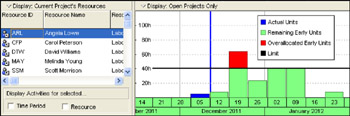
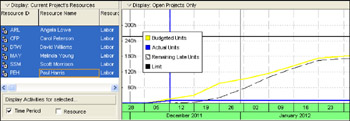
There are a number of facilities for reviewing resource loading which consist of either displaying a Layout or running a report. The Timescale interval affects the displays. Layouts will not be covered in detail, as they are self-explanatory.
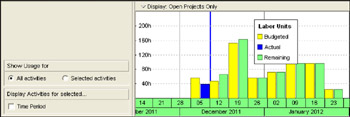
This is displayed by clicking on the
button and displays the total resource histogram for selected or all activities, right-click the Histogram for the display options:

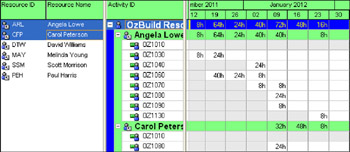
This is displayed by clicking on the
button. The units are formatted using the User Preferences, Time Units tab. If the minimum time unit is an hour, ensure that the User Preferences, Resource Analysis Interval for time-distributed resource calculations is set to one hour; otherwise, the data will not be displayed correctly.


| Note | The resource availability is displayed using the Resource Calendar when the Activity Type is set to Task Dependent and the activity is scheduled using the Task Calendar. |

The units are formatted using the User Preferences, Time Units tab.