After Effects on the Spot: Time-Saving Tips & Shortcuts From the Pros
We want to let you in on a secret blending modes. Oh sure, you've probably heard of them but do you use them? Not just twice a year like the fine china every job, every project, every comp, all the time? Pros live for blending modes the artistic possibilities are incredible. Blending modes are fast, easy, and powerful they are also woefully mistreated and underused. Please join our crusade to restore blending modes to their proper place in the After Effects design hierarchy.

Depending upon manufacturer (and even version number), blending modes may go by other names. They may be called layer modes, composite modes, apply modes, or transfer modes. All have the same meaning. It doesn't matter what you call blending modes, just that you use them.

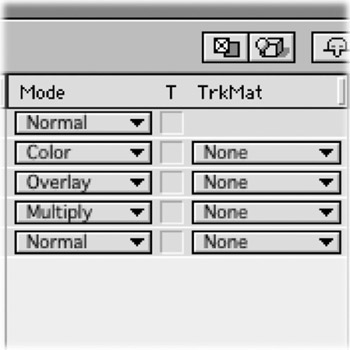
Want quick access to your mode switches? To toggle between them, press F4. This shortcut works whether or not the Timeline window is selected. If you'd like to leave the modes out permanently, contextual click on the Timeline columns, and choose Modes.

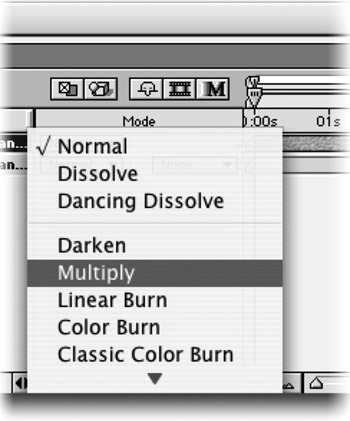
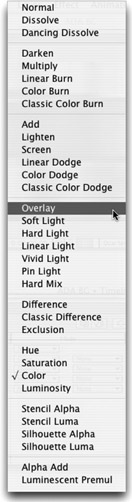
Part of the reason beginners pass on blending modes is that they are hard to use if you don't know which one you want. Find an obscure list; scroll down (forever) only to discover you need to pick a different one. There's a much better way to experiment.
Highlight the layer or layers you want to...