Vegas Editing Workshop, Second Edition

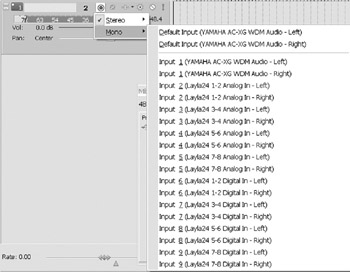
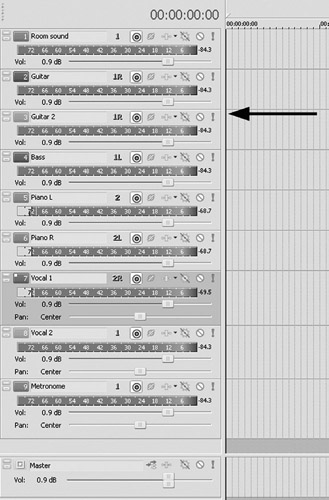
When working with a band or ensemble, several tracks might need to be recorded at one time. A multichannel sound card is best used in this situation. If a two-channel sound card is used, only stereo information will be recorded, and an analog mixer will be required to manage all of the microphones. With multichannel cards, an unlimited number of microphones can be input directly to Vegas, depending on the number of cards used. (Many manufacturers of hardware cards have limits as to how many cards can be stacked.) These can be individually controlled without using an external mixing device. To select multiple inputs with an individual microphone routed to each input, assign the input of each track as Mono and select either the right or left input of the sound card.
Remember, if your sound card does not have pre-amps built in, a preamplifier is needed for every input channel.
Select a channel input for each microphone, and with every channel that has an input assigned, be sure the channel is armed. Click the Record button ( CTRL+R), and all tracks that are armed will record in sync. Enable input monitoring where necessary the more tracks that are set for input monitoring, the heavier the processor load. Without using ASIO drivers, latency can be unreasonably high. Use ASIO drivers for input monitoring for best results.