The Focal Easy Guide To Flash MX 2004: For New Users and Professionals
Flash gives you the capability to go beyond the creation of vector graphics and add the element of interactivity to them.
In Flash, a Button is a re-usable symbol that can trigger an action when it is clicked on. The action could be one of the following:
start to play or stop a sound;
jump to another frame;
play a new scene;
go to a web site.
Button designs can take different forms. Here are some examples of button design themes:
Organizational They could relate to the organization of your site and have words on them so that the user is very clear about what the button does.
Functional They could relate to objects in the real world so that it is clear how they are used, for example, looking like a 'play' button or a doorbell.
Aesthetic Finally, button designs can be taken from the overall design theme and be small versions of a general motif.
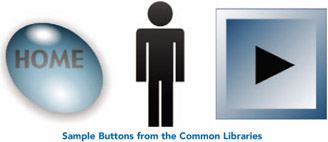
If you go to Window > Other Panels > Common Libraries > Buttons, you will find many button files for you to experiment with.

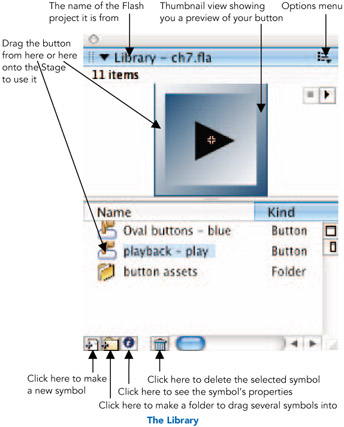
A Library is where symbols, like buttons, that you create are kept. If you can't see the Library panel then go to Window > Library or CMND/CTRL + L.

If you click on the Name column heading, the symbols will be shown in order of their names. The same will happen...