Object-Oriented Programming for Windows 95 and NT
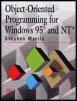
A beginner to intermediate level guide to object-oriented programming for the Windows 95 and NT platforms.
 TABLE OF CONTENTS
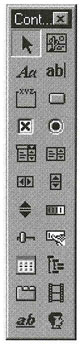
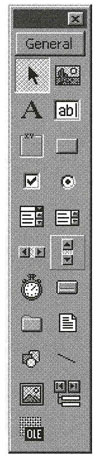
 This chapter describes the standard controls that are available in all the environments under consideration. In each case, the class of the control is given for both the Microsoft Foundation Class Library and the Delphi Object Hierarchy. The controls described below can be set up using the Visual C++ Developer Studio, Delphi, or Visual Basic tool palettes (Figures 7.1, 7.2, and 7.3). The Developer Studio control palette is shown in the illustrations.
Each control has a number of properties that determine its appearance and behavior. All of these controls respond to standard events, such as receiving and losing the focus and mouse activities in the immediate area of the controls. If these controls are included on a dialog box, as part of an external resource, then they will be created automatically when the dialog box is created and destroyed when the box is closed. Alternatively, controls that are created with the new keyword must be destroyed with delete when no longer needed.