Adobe Photoshop Elements 3.0: A Visual Introduction to Digital Imaging

Adding Texture to an Image

At first, the idea of making a smooth, evenly graduated image more textured seems to be at odds with the general direction that digital technology has been heading over the last few years. Research scientists and technicians have spent much time and money ensuring that the current crop of cameras, scanners and printers is able to capture and produce images so that they are in effect texture- or grainless. The aim has been to disguise the origins of the final print so that the pixels cannot be seen.

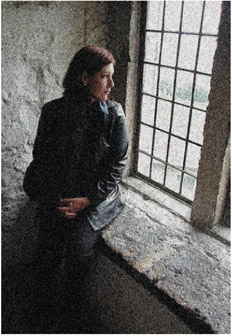
For me to introduce to you at this stage a few techniques that intentionally add noticeable texture to your image may seem a little strange, but despite the intentions of the manufacturers, many digital image makers do like the atmosphere and mood that a'grainy' picture conveys. See Figure 5.38. All the techniques use filters to alter the look of the image. Filter changes are permanent, so it is always a good idea to keep a copy of the unaltered original file on your hard drive, just in case.


Figure 5.38: Despite the all techniques in the previous section which were designed to reduce the marks in our pictures there are many photographers who like texture and who regularly use other techniques to intentionally put back desirable textures into their photographs.

Editor: Filter > Noise > Add Noise

Version 2.0/1.0: Filter > Noise > Add Noise

The Add Noise filter is one of four options contained under the...

UNLIMITED FREE
ACCESS
TO THE WORLD'S BEST IDEAS

SUBMIT
Already a GlobalSpec user? Log in.

This is embarrasing...

An error occurred while processing the form. Please try again in a few minutes.

Customize Your GlobalSpec Experience

Category: Image Analysis Software
Finish!
Privacy Policy

This is embarrasing...

An error occurred while processing the form. Please try again in a few minutes.