AutoCAD 2009 Essentials
By solving all of the workshops included that complete small projects from concept through actual plotting, this guide will help you simulate the creation of a real life project from beginning to end.
 TABLE OF CONTENTS
 Click the Tolerances tab and you will see the following:

There are several ways to show the tolerances:
None
Symmetrical
Deviation
Limits
Basic
Take a look at the following illustration:
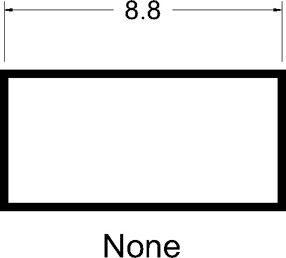
Take a look at the following illustration:
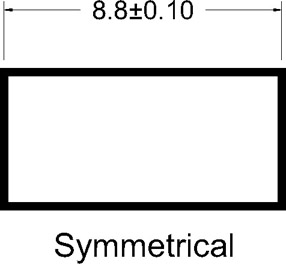
Take a look at the following illustration:
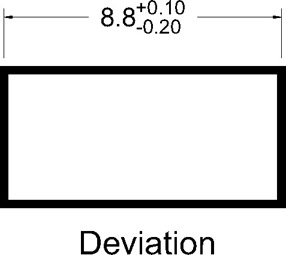
Take a look at the following illustration:
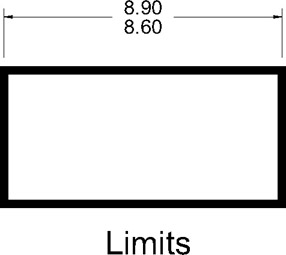
Take a look at the following illustration:
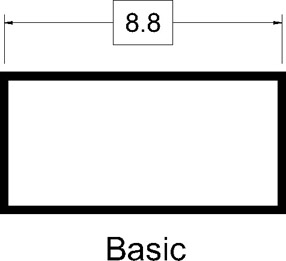
Under Tolerance format adjust the following:
Specify the desired Method, one of the above mentioned methods.
Specify the Precision of the numbers to be shown.
If you select Symmetrical specify the Upper value.
For Deviation and Limits specify the Upper and Lower value.
If you want the tolerance values to appear smaller than the dimension text, specify Scaling for height.
Specify the Vertical position of the dimension text with regard to the tolerance values whether Bottom, Middle, or Top.
If you are showing Alternate units, specify the Precision of the numbers under the Alternate units' tolerance.
Accordingly, specify the Zero suppression for both the Primary Units tolerance and the Alternate units' tolerance.