The Focal Easy Guide to Final Cut Pro 5: For New Users and Professionals
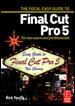
Paring down the software to its essentials, this concise, full-color book covers only the key features and essential workflow to get you up and running in no time.
 TABLE OF CONTENTS
 Final Cut Pro's benefit is that it is more productive.
It allows the editor to get more done.
MICHAEL VITTI
NEW YORK FINAL CUT PRO USER GROUP
Now that you have captured your clips you need to be able to view them. This is the first step towards sorting through your footage. To view your material double click any of the clips in the Browser and immediately the clip will open in the Viewer. Press the Space Bar and the clip will play.
The controls in the Viewer window can also be used to play the clip. You can move quickly through the clip using the yellow Scrubber Bar, located below the image in the Viewer. Simply click once with the mouse and move the Scrubber Bar backwards or forwards.

It is also possible to shuttle through the clip using the J K L method. By tapping the J or L key up to five times the speed will increase in increments. Press K or the Space Bar to stop. Press the Space Bar again to play.
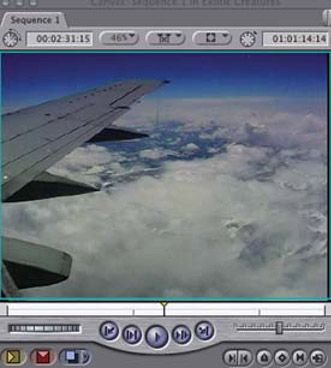
To jog through the clip a frame at a time press the horizontal arrow keys located to the right of the Space Bar. The left arrow takes you backwards a frame at a time while the right arrow takes you forward a frame at a time. Hold down the Shift key and press either of the arrow keys and this will move forwards or backwards through the clip a second at...