The Focal Easy Guide to Final Cut Pro 5: For New Users and Professionals

Paring down the software to its essentials, this concise, full-color book covers only the key features and essential workflow to get you up and running in no time.
 TABLE OF CONTENTS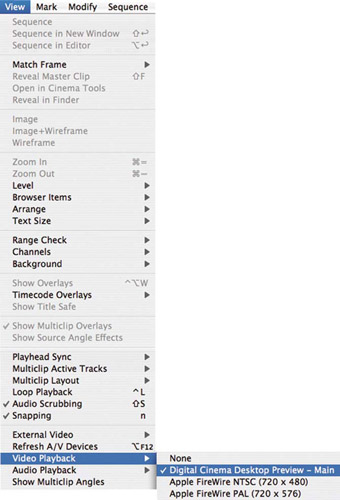
In what was seen by some as slightly unusual HDV editing came first to Final Cut Express several months before Final Cut Pro 5 was announced. However there is a difference. Final Cut Express uses what is called the Apple Intermediary codec to work with the HDV format. The material needs to be re-encoded to MPEG 2 to go back to an HDV device. This takes time.
Sony HDV cameras work natively with Final Cut Pro. This means the video and audio information is transferred directly from tape to hard drive via Firewire in its original form nothing is changed. The HDV editing in Final Cut Pro is referred to as Long-Gop MPEG 2 video. There is no transcoding or media conversion involved. This preserves the maximum quality possible of the camera original.
The fact that Final Cut Pro 5 handles the information natively sets it apart from many other HDV editors out there, including Apple's own Final Cut Express HD and iMovie HD.
The beauty of working with HDV is that it is just like working with DV except for one fundamental feature there is no playback over firewire. Monitoring takes place in both the Viewer and the Canvas or onto a separate Apple Cinema Display (either the 23 or 30 inch models). Therefore full-screen viewing is provided directly onto the Apple Cinema Display.
As HDV is so computationally intensive for the Mac to deal with this leads to increased rendering times. Don't be surprised if your dual...