The Focal Easy Guide to Final Cut Pro 5: For New Users and Professionals

Paring down the software to its essentials, this concise, full-color book covers only the key features and essential workflow to get you up and running in no time.
 TABLE OF CONTENTS
 There are two ways to cut between multiple camera sources. The most efficient way in terms of time is to cut live. This requires each of the cameras to be plugged into a vision switcher which is then used to mix the program in real time.
The output of the vision mixer is then recorded to tape or broadcast live.
The other way is do it in post. This used to be a nightmare. It was immensely time consuming and difficult to achieve. With Final Cut Pro 5 and Multicam this is a dream-way of working.
For over a decade I punched buttons on vision switchers in live studio environments. I directed live programs and earned my living as a studio director. As such, the way I use Final Pro with Multicam is very similar to using a live vision switcher. I more or less cut the program live and fine tune the results either as I work, or after the live cut has been done.
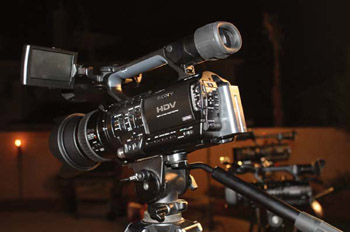
The key to using Multicam in Final Pro 5 begins with acquisition. When shooting, make sure that all cameras run continuous. No switching off, no stop-starting, continuous shooting is critical.
If this rule is adhered to, it will make your time in post-production very simple indeed.
Before non-linear systems were around, online edit suites with many tape machines running in sync were used to simulate a live multi-camera environment. Threaded up on each of...