How to Cheat in 3ds Max 2009: Get Spectacular Results Fast

Including a host of time-saving techniques as well as little-known tools that will make you look like an expert in no time flat, this book will show you how to get results with 3ds max fast.
 TABLE OF CONTENTS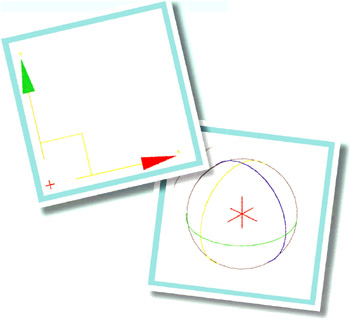
Using 3ds Max is an adventure that begins with a few important steps.
The techniques described in this book assume a basic grasp of 3ds Max. But with so many options to choose from, it s easy to get lost in all the tools, buttons, and menus.
Not all features are created equal. This chapter goes over the fundamentals of 3ds Max with an eye toward the most important tools, and how you can use them to create beautiful scenes as quickly as possible.
There is a myth that you should spend most of your time modeling, then cram all the lighting, texturing, and animation into whatever time remains in the schedule. This so-called wisdom stems from the early 1990 s when computer graphics were new, modeling was a rare skill, and any rendering at all was impressive.
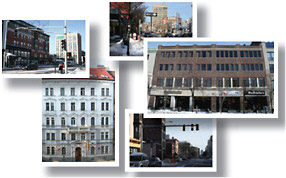
Nowadays, clients expect decent materials, lighting, and animation, if not outright realism. To achieve this goal, the best approach is to take time at the front end to gather reference materials such as photos, drawings, videos, and textures. Each hour spent on preparation can reduce scene creation time by five or even ten times, in addition to providing a strong direction for modeling, materials, and lighting.