How to Cheat in 3ds Max 2009: Get Spectacular Results Fast

Including a host of time-saving techniques as well as little-known tools that will make you look like an expert in no time flat, this book will show you how to get results with 3ds max fast.
 TABLE OF CONTENTS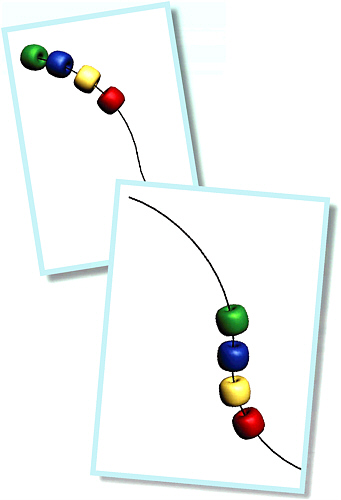
Automate your animation with parameter wiring, and animate multiple objects by changing just one parameter.
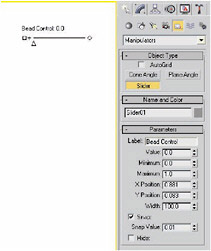
To simplify the animation process, you can set up custom parameters that pertain to just the values you want to animate, and put all the new parameters in one central location. Then you can wire (connect) these custom parameters to real parameters to create a useful interface for your animation needs.
While programming experience and math skills are helpful for doing parameter wiring, they re not essential to take advantage of this powerful tool.
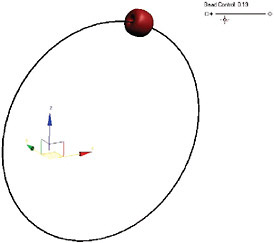
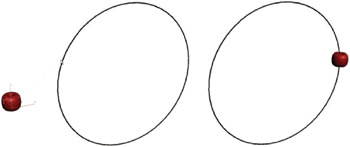
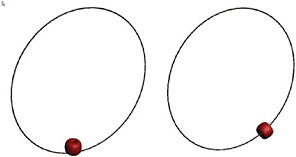
To illustrate the concepts of parameter wiring, I ve used a simple animation of a bead on a wire. In this example, you ll create a custom manipulator right on the screen, and then use it to control the bead s animation.