How to Cheat in 3ds Max 2009: Get Spectacular Results Fast

Including a host of time-saving techniques as well as little-known tools that will make you look like an expert in no time flat, this book will show you how to get results with 3ds max fast.
 TABLE OF CONTENTS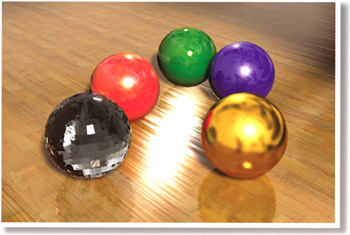
Nothing says shiny like reflective surfaces in your scene. Get as much bang as you can with as little rendering time as possible with the techniques in this chapter.
In life, reflections appear on shiny objects. A bit of shine and reflection well placed in a scene add realism that you can t get any other way.
While nature produces reflections with ease, recreating them in 3ds Max takes some know-how. There are also a number of tricks for keeping rendering time low while bringing that extra bling to your scene.
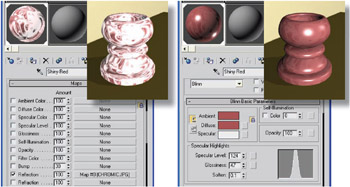
Reflections add a needed degree of realism to a scene. However, there s no magic Reflections button in 3ds Max; you need to set reflection types separately for each material used in the scene.
In general, the more accurate you want the reflections to be, the longer the effect will take to render. If an object is close to the camera or is the focal point of the scene, you ll need accurate reflections. For incidental objects, simpler and faster-rendering solutions will do.
Here, reflection techniques are presented roughly in order of fast/decent to slow/accurate.