How to Cheat in 3ds Max 2009: Get Spectacular Results Fast

Including a host of time-saving techniques as well as little-known tools that will make you look like an expert in no time flat, this book will show you how to get results with 3ds max fast.
 TABLE OF CONTENTS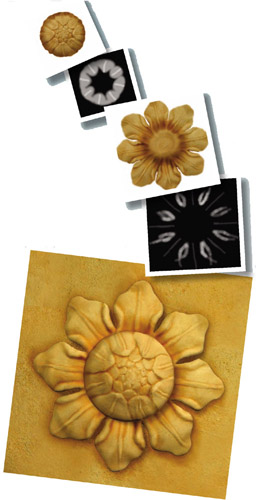
Textures modified from photographs coupled with mapping to match the object s shape make the best renderings.
Having good textures is half the battle in making realistic materials. The other half is knowing how to create materials with the textures, and how to get them onto objects with the right orientation and size.
While a map is 2D and provides color information only, a material has a 3D aspect to it. Shininess, bumpiness, and transparency are all set within the material. You define a material with one or more maps, and then assign the material to a 3D object.
In this chapter, you ll learn how to create materials and apply mapping to suit your scene.