How to Cheat in 3ds Max 2009: Get Spectacular Results Fast

Including a host of time-saving techniques as well as little-known tools that will make you look like an expert in no time flat, this book will show you how to get results with 3ds max fast.
 TABLE OF CONTENTS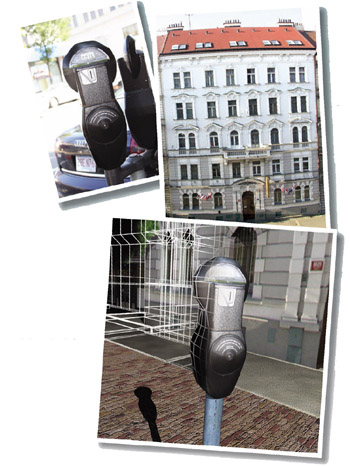
Modeling quickly and intelligently requires good reference images and a little ingenuity.
Models are the main building blocks of scenes. When creating a model, it s important to model just enough detail to make a good rendering. It s easy to get bogged down in small details that take a long time to model and won t even be noticeable in the final rendering.
Mapping, the process of putting textures on a model, is a kin to modeling. In this chapter you ll learn simple mapping techniques that can reduce modeling time to minutes instead of hours.
Knowing the main modeling tools in 3ds Max will make your work go much faster. Make sure you can find all these tools in the user interface, and take it from there.