How to Cheat in 3ds Max 2009: Get Spectacular Results Fast

Including a host of time-saving techniques as well as little-known tools that will make you look like an expert in no time flat, this book will show you how to get results with 3ds max fast.
 TABLE OF CONTENTS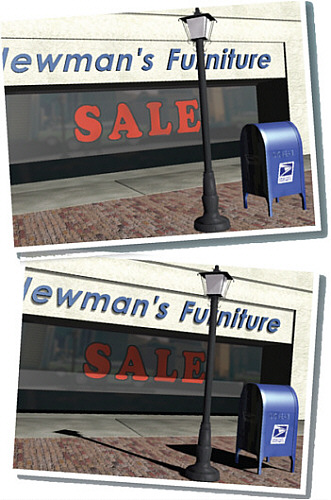
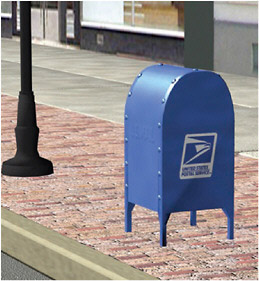
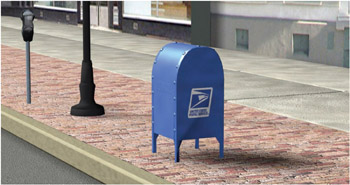
In the first image, the objects appear to hover above the ground, and it s hard to tell how far apart they are from one another. Shadows ground the objects and clarify their relationship in the scene.
Shadows add realism to a rendering, but their purpose goes beyond making a scene believable. Shadows anchor stationary objects to the ground and give flying objects their height. They also give important visual cues about scale and location, object solidity, and time of day.
Once you determine the types of shadows you want to have in your scene, you can choose from a variety of methods to create them. Unfortunately, the best-looking shadows usually take the longest to render. In this chapter, you ll also learn some time-saving methods for realistic shadows.
Shadows can be sharp or fuzzy, light or dark. Regardless of the renderer you use, most shadows come in one of two flavors:
Ray Traced Shadows cast sharp, accurate shadows.
Shadow Map shadows can be sharp or fuzzy, depending on your settings.
There are other types of shadows available in 3ds Max, but these are the types you ll use most often.