Photoshop CS A to Z: The Essential Visual Reference Guide
Designed to present the program in a visual way and in a logical order, this helpful, concise guide presents handy tips and useful quick keys that make Photoshop CS work for you.
 TABLE OF CONTENTS
 An international standard for color measurements developed by the Commission Internationale de L'Eclairage (CIE). It's capable of reproducing all the colors of RGB and CMYK and uses three channels - one for luminosity and the other two for RGB type color ranges.
Some users prefer to work in this mode as it's device independent and colors that fall into the CMYK gamut aren't changed when you convert to CMYK.
| QUICK KEY | L |
There are three Lassos to pick from the toolbox. The two standard versions, Freehand and Polygon and a Magnetic version.
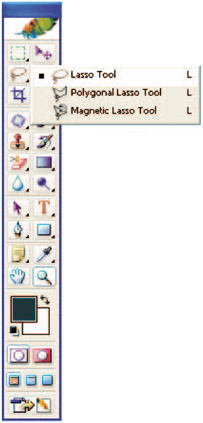
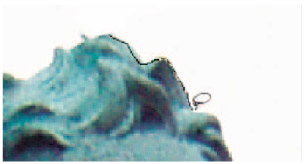
The Freehand Lasso is used in most programs and is used by accurately drawing round the subject. You can select a feather to be applied to the section and turn anti-aliasing on or off.
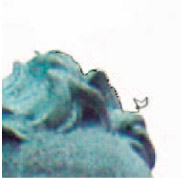
The Polygon Lasso is good for drawing round boxes and straight edged items as it creates a straight edge between the source and destination point.
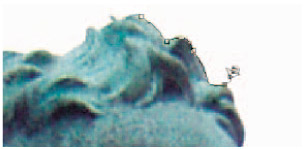
Magnetic Lasso is arguably the most useful Lasso. You draw roughly around the subject and the Lasso detects contrast changes and defines the edge. It then pulls the inaccurate drawing into line, often creating a very good selection.
| Tip |
|
| MENU | LAYER ? |
| NEW ? | |
| LAYER | |
| QUICK KEYS | SHIFT+CTRL+N |
One of the most useful features of Photoshop is Layers.