Photoshop CS A to Z: The Essential Visual Reference Guide
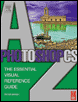
Designed to present the program in a visual way and in a logical order, this helpful, concise guide presents handy tips and useful quick keys that make Photoshop CS work for you.
 TABLE OF CONTENTS
 | QUICK KEYS | SHIFT+Z |
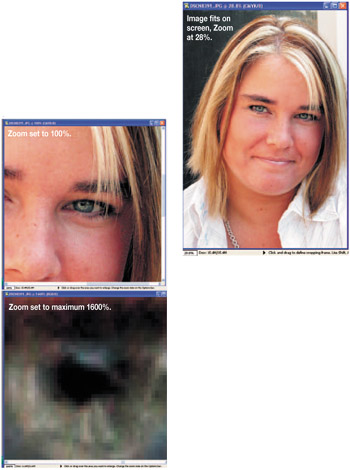
Used to magnify or reduce the image on screen. The zoom options palette has one choice resize windows to fit. When selected the window grows or contracts with the image.
When PC users click on the right-hand mouse key with the Zoom tool selected you're greeted with a new menu to fit to screen, view at 100% or print size. You can also select zoom in and zoom out from here. If you hold the Alt key down and click on the mouse the image will zoom out. (See Navigator palette )
| Tip |
  |
(See Distort filters )
| MENU | FILE ? |
| EXPORT ? | |
| ZOOM VIEW |
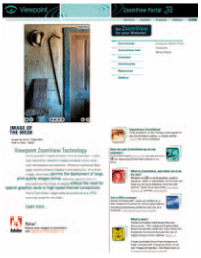
Introduced in Version 7.0 when Adobe teamed up with Viewpoint to offer direct connection to the ZoomView Portal to help you display high resolution images on the Web.
Zoom View is a technology that overcomes bandwidth constraints by dividing high resolution images into bite-size tiles. As a viewer zooms into the image, more and more detailed tiles are transmitted and displayed. This allows your viewer to zoom...