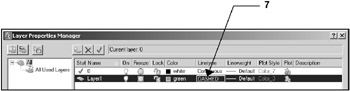
Exercise Workbook for Beginning AutoCAD 2007
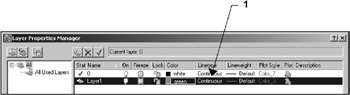
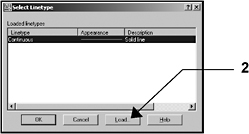
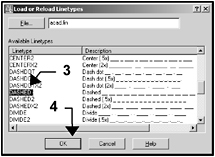
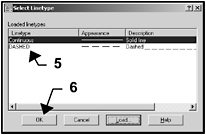
Ideal for classroom instruction or as a self-study tutorial, this book includes 30 lessons with step by step instructions followed by exercises designed for practicing the commands learned within the lesson.
 TABLE OF CONTENTS