In order to make the most out of this book, take a couple of minutes to read the following. This will let me introduce a few of the special features that I have included to help you find the information that you need fast. Apart from the basic A-Z structure that lists the topics, features and tools alphabetically, I have also used the following design devices to make search and locate missions speedier and more productive.
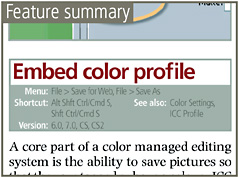
Each feature and tool entry is headed with a summary table that details the menu where the feature can be found, any keyboard shortcuts associated with the tool, the version of Photoshop that contains the feature and any other features that are linked to the feature.
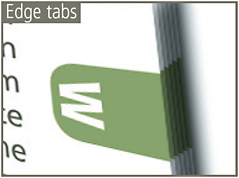
The colored edge tabs change for each letter section. They can be used in conjunction with the contents page to quickly thumb through the book to locate a particular group of entries.
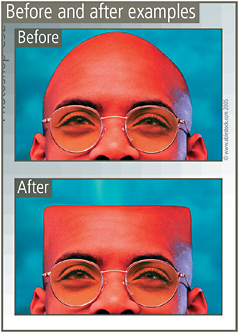
The before and after examples illustrate how features, tools and techniques can be used to change the way that your pictures look.
Important ideas and techniques are highlighted with the Remember icon and the tips and tricks used by working professionals are noted with the Pro s Tip ticked box.
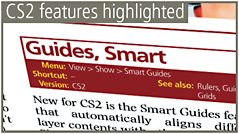
The entries detailing new features in Photoshop CS2 are highlighted in red and lableled New for CS2 .
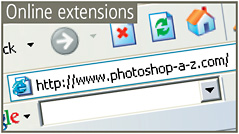
Don t forget about the book s website www.photoshop-a-z.com . Here you will find video tutorials on how to use the top new features in Photoshop CS2, the example pictures...
Copyright Philip Andrews & Peter Bargh 2005 under license agreement with Books24x7

 TABLE OF CONTENTS